How to set your SMS sender name (sender ID) in BuzzBlaster
To set your sender name in BuzzBlaster, open Settings → Sender name, click Set sender name and type 4 to 11 characters customers see instead of a number. One name is used for the whole organization. Until you set one, messages show "BuzzBlaster".
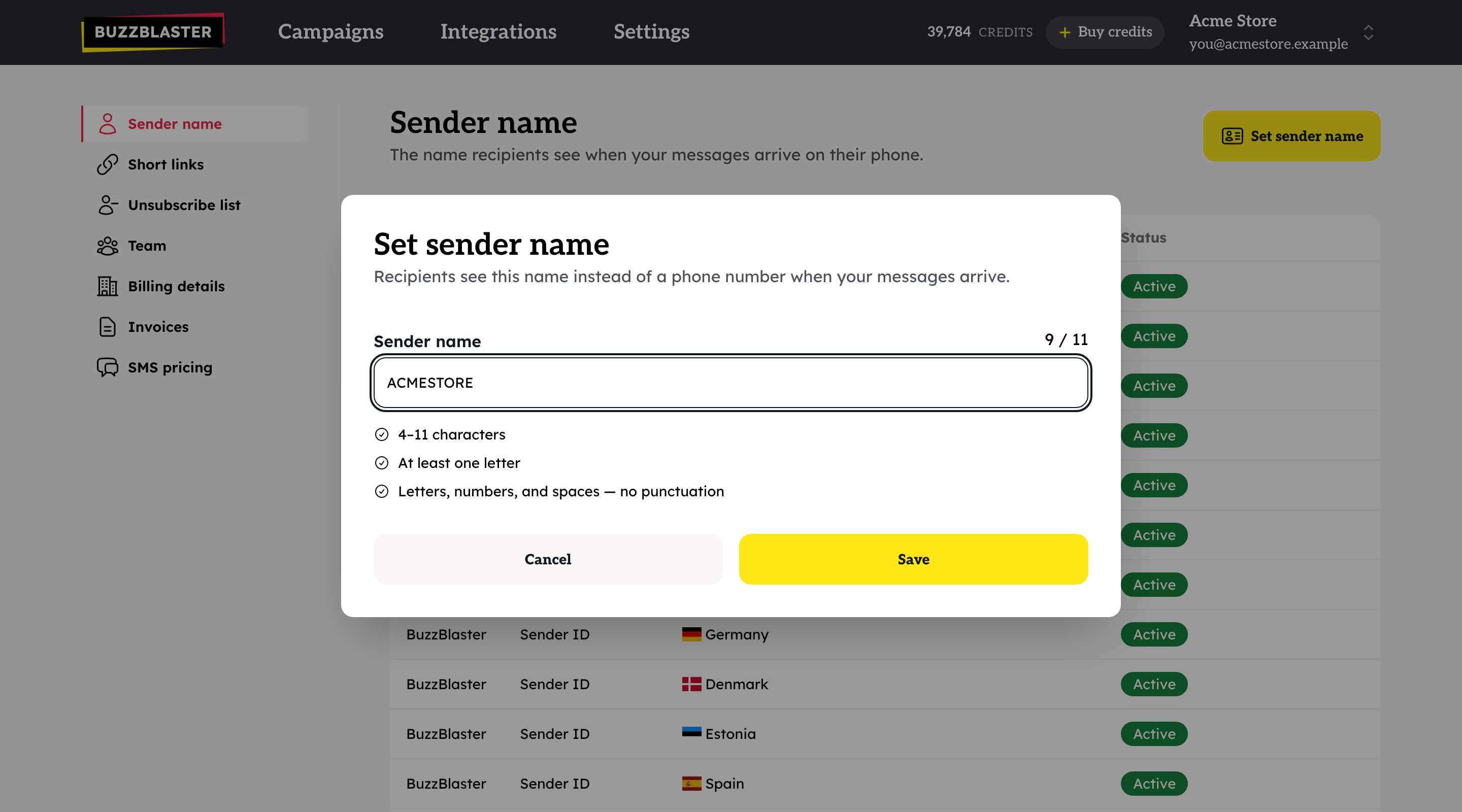
Before you begin: pick a name of 4 to 11 characters with at least one letter. Use only letters, numbers and spaces.
Set the sender name
- Click Settings, then Sender name.
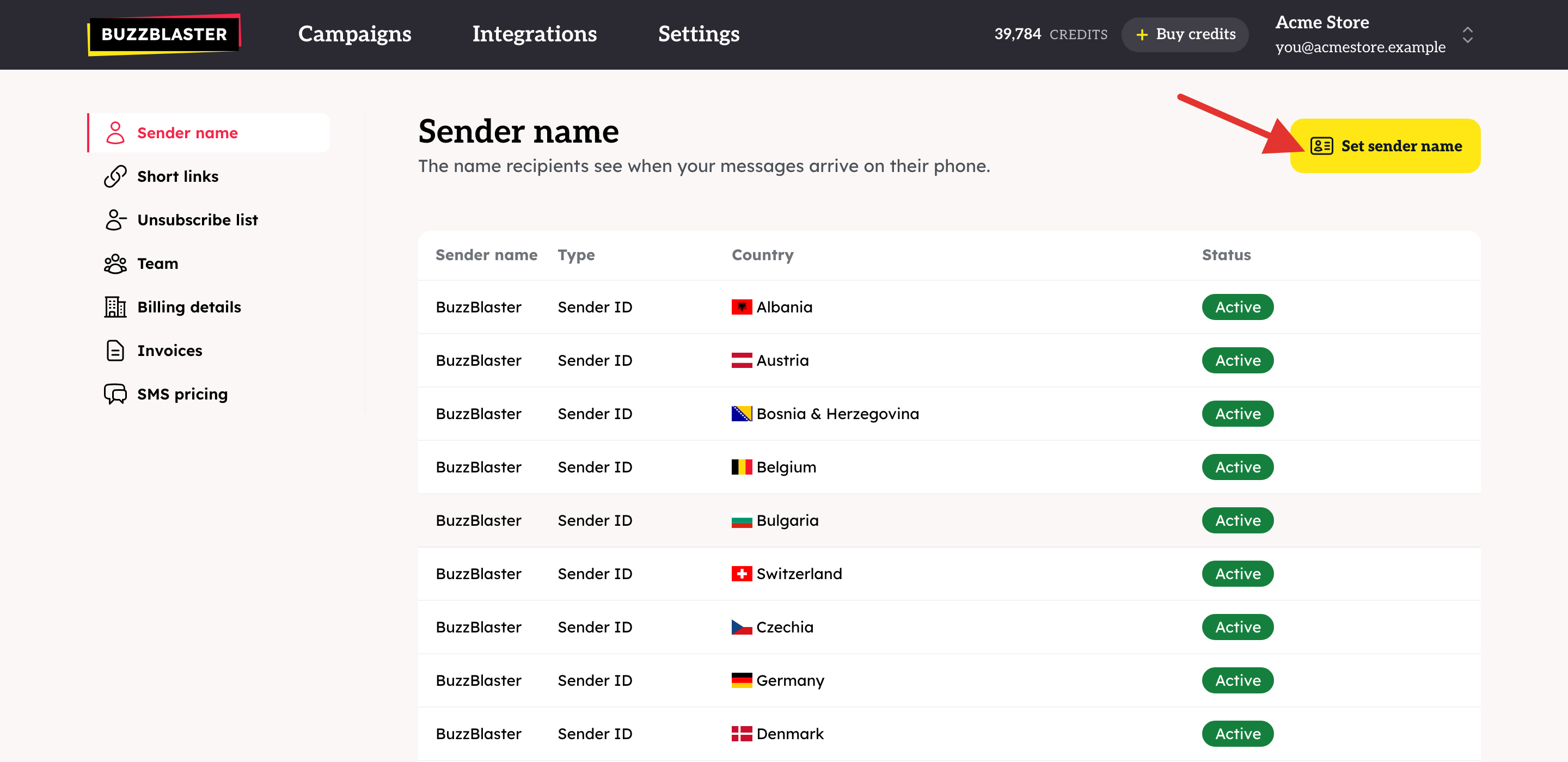
- Click Set sender name.
- Type your name. The counter shows how many of the 11 characters you used, and the checklist turns green when the name is valid.
- Click Save.
What do recipients see in each country?
In most countries your name is the sender. In five countries your name is also, or only, added at the start of the text, for example "ACMESTORE: Spring sale...".
| Countries | Sender on the phone | Your name in the text | Type in the table |
|---|---|---|---|
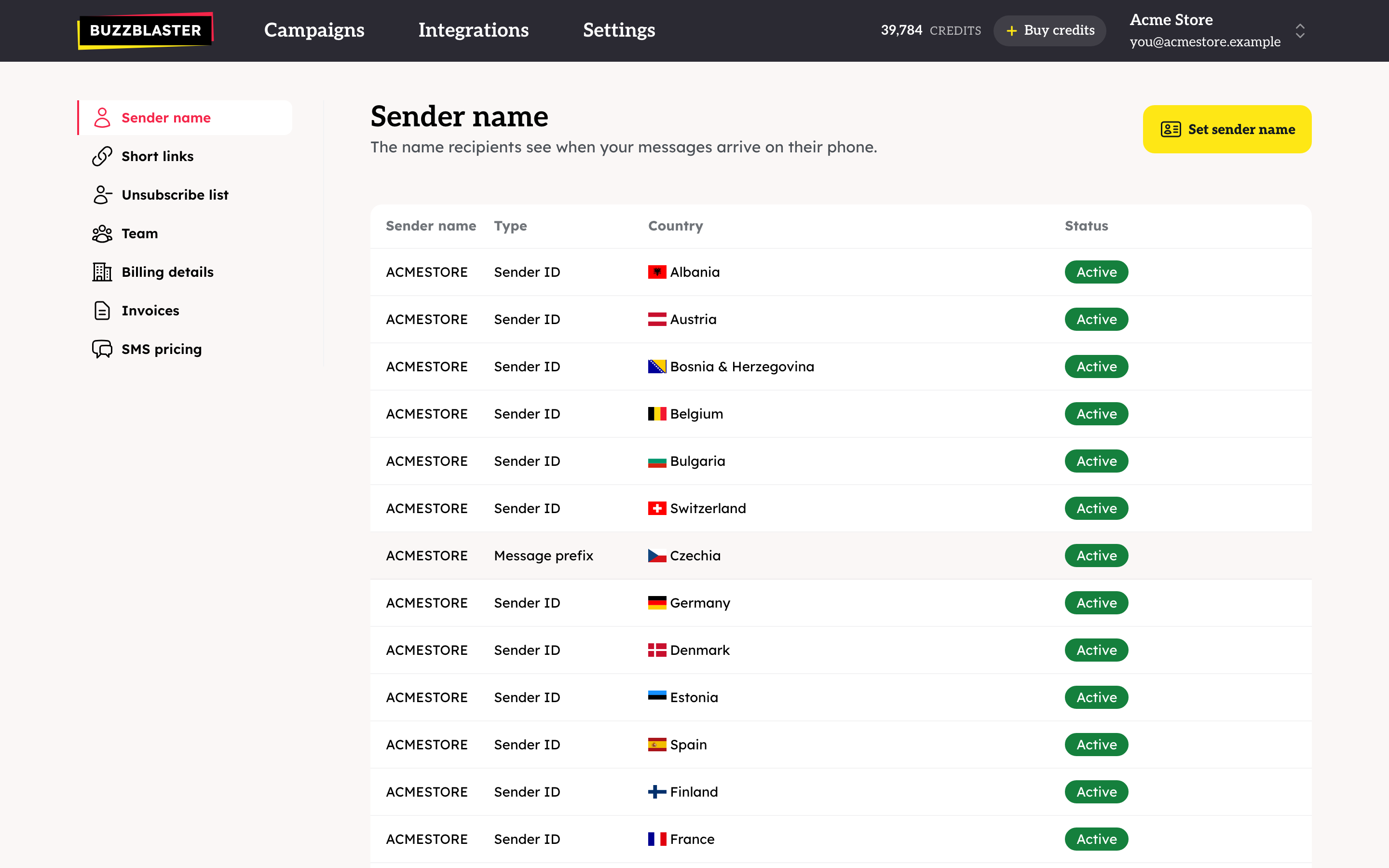
| Czechia, Slovenia, Sweden, United Kingdom | "BuzzBlaster" | Yes, at the start | Message prefix |
| Hungary | Your sender name | Yes, at the start | Message prefix |
| The other 24 countries | Your sender name | No | Sender ID |
The table on the Sender name page lists every country with the name and the Type.
Can I register my sender name in Czechia, Slovenia, Sweden or the UK?
Yes. In these four countries a sender name must be registered with the phone networks before it can be the sender. Contact support to ask for it. Once your name is registered for a country, its row shows Sender ID. A pending request shows at the top of the page, and Cancel request withdraws it.
Does the name in the text cost extra?
It can. Your name, a colon and a space are added to the message, so they count toward the 160 characters of one SMS. Check the Length counter on the Message step for those countries.
Good to know
- A draft keeps the sender name it had when its message was last saved. After you change your name, open the Message step of your drafts once and check the phone preview.
- Recipients cannot reply to a sender name.
- 11 characters is the limit set by the phone networks. Longer names are not possible.
Questions
"A sender name needs 4–11 characters and at least one letter." Shorten the name, remove punctuation, and make sure it has a letter.
My test SMS came from "BuzzBlaster". Either no sender name is set, the draft still uses the old name, or you sent it to Czechia, Slovenia, Sweden or the UK. Check the table above.
In Hungary my name shows twice. That is expected: it is the sender and it is also added to the text.
Still stuck? Email support@buzzblaster.io, or open the account menu (top right) and click Contact support.