How to use your own domain for SMS short links in BuzzBlaster
To use your own domain for SMS short links in BuzzBlaster, add a subdomain under Settings → Short links and point a CNAME record at cname.buzzblaster.io. Your links then show your brand, for example sms.yourshop.com, instead of a BuzzBlaster domain.
Before you begin: you need access to the DNS settings of your domain, at your domain provider or through the person who manages your website.
Add your subdomain
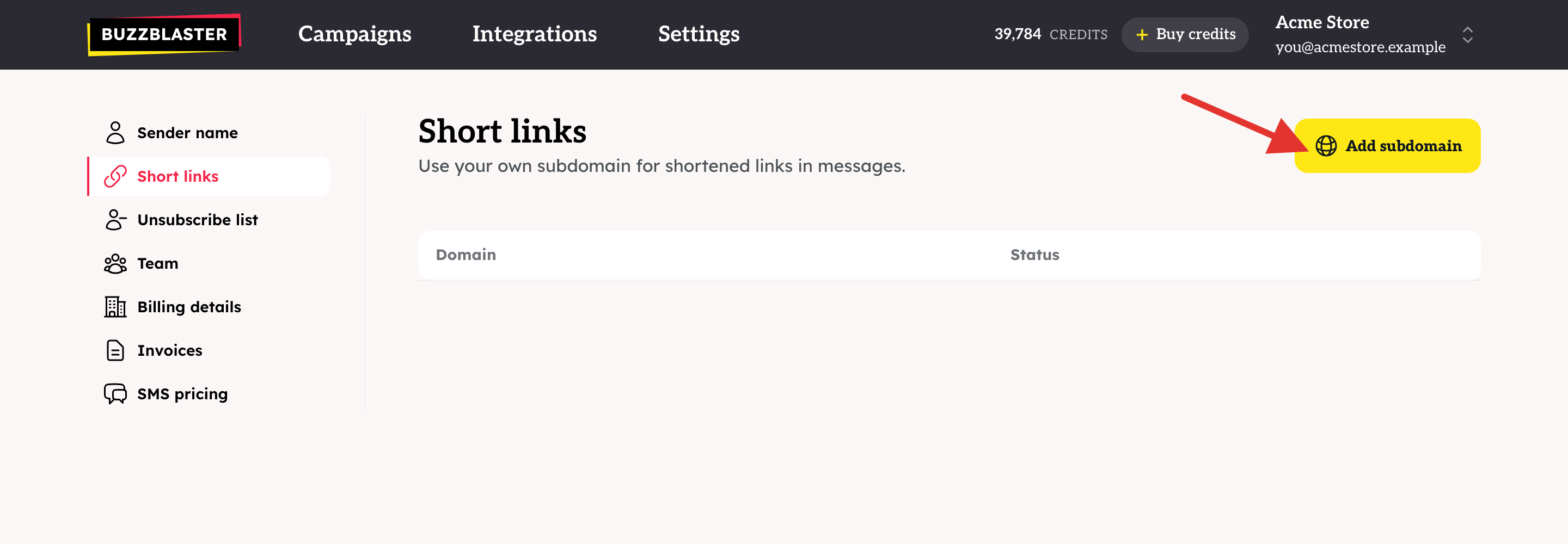
- Click Settings, then Short links.
- Click Add subdomain.
- Type a subdomain you own, for example
sms.yourshop.comorgo.yourshop.com. Use a subdomain, notyourshop.comitself. - A box Add DNS record appears. At your domain provider, create a CNAME record: the name (host) is your subdomain, and the value is
cname.buzzblaster.io. - When the record is saved, click Verify in BuzzBlaster.
The status changes from Verifying to Active. BuzzBlaster then sets up the secure (https) certificate for you. From then on, new messages use your subdomain for their links.
What does each status mean?
| Status | What it means | What to do |
|---|---|---|
| Verifying | BuzzBlaster has not found your CNAME record yet. | Click Show DNS record and compare the host and value with your provider. The type must be CNAME. Try again later. |
| Active | Your subdomain works and new messages use it. | Nothing. |
| Failed | The setup did not finish. | Click Try again. It starts the check again from the DNS step. |
Good to know
- DNS changes can take from a few minutes to a few hours to work.
- You can click Verify once every 10 minutes.
- Short links stay active for 90 days. After that, a recipient who taps an old link sees "This link has expired".
- If your organization has more than one link domain, the Message step shows a Link shortener menu for each country.
- Tracking tags are added to your links either way. See How to track SMS clicks in Google Analytics with BuzzBlaster.
Questions
"… is a root domain, and a CNAME record can't be set there." Put sms. or go. in front of your domain.
"That domain is already in use." The subdomain is already added to an organization. Pick another one.
Still stuck? Email support@buzzblaster.io, or open the account menu (top right) and click Contact support.